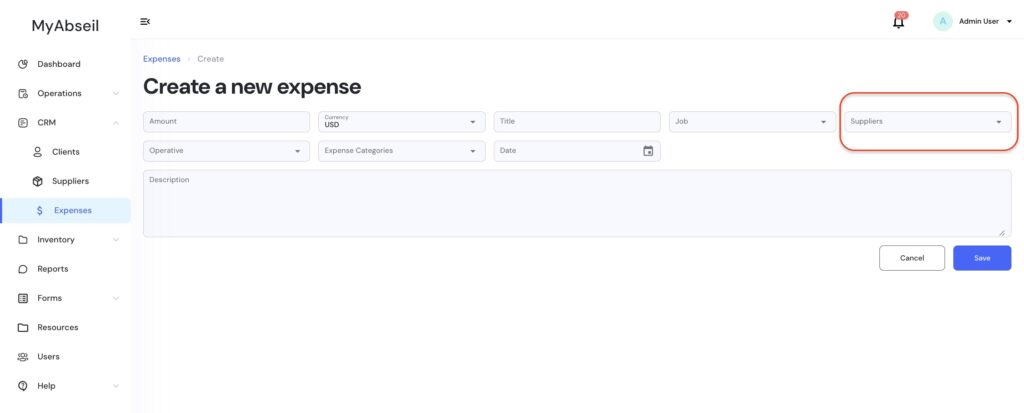
Once an Expense is created you can easily select the Supplier from the Supplier dropdown.
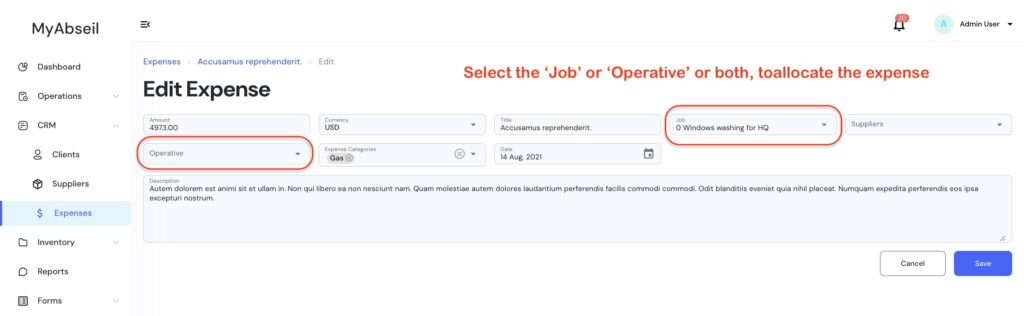
Once an Expense is created you can also allocate that expense to a Job, to an Operative, or both from selecting them from their respective dropdowns.
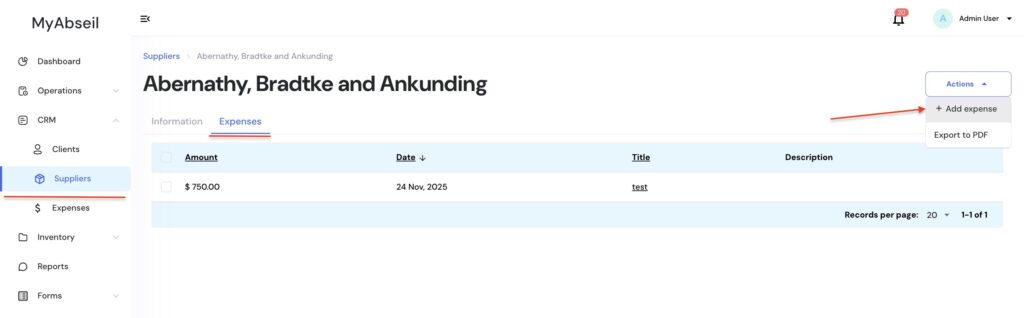
You can also add a New Expense directly under the ‘Suppliers’ menu. Select the required supplier from the list, click on it, and navigate to the Expenses tab and +Add expense