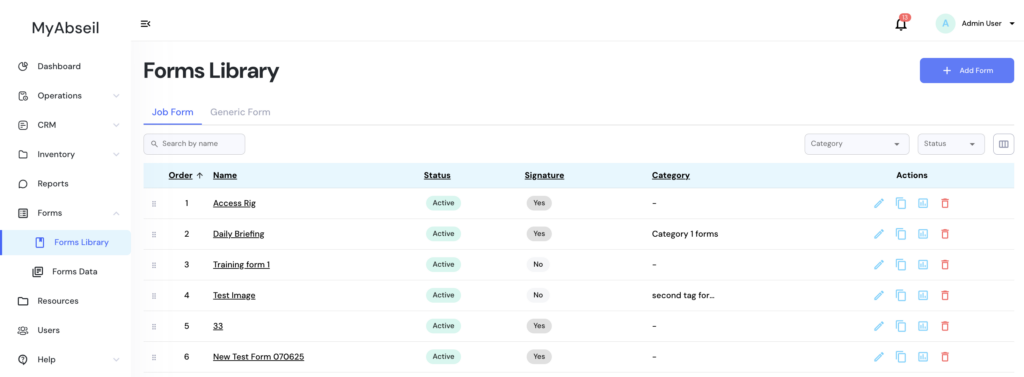
To create a new form, go to Forms menu, Forms Library submenu and select +Add Form
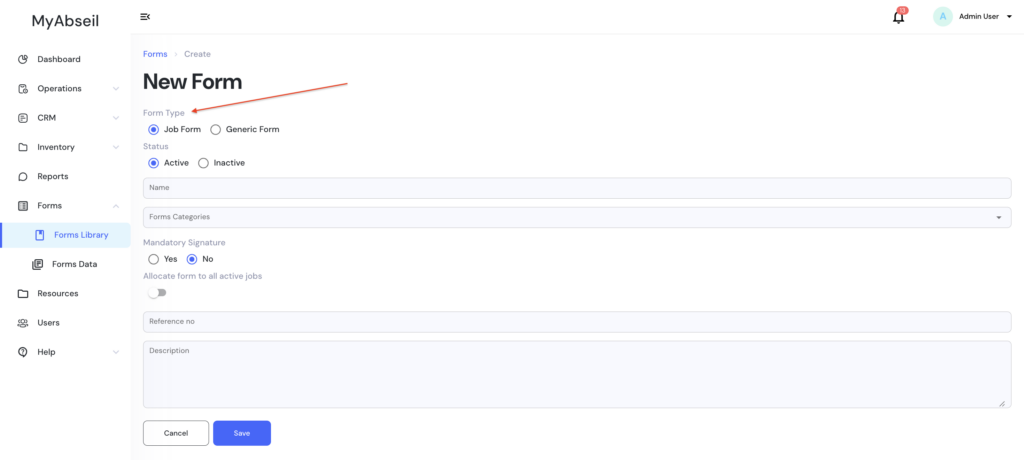
This will open the Forms builder
Select the type of form you wish to create, name, form reference number and press SAVE
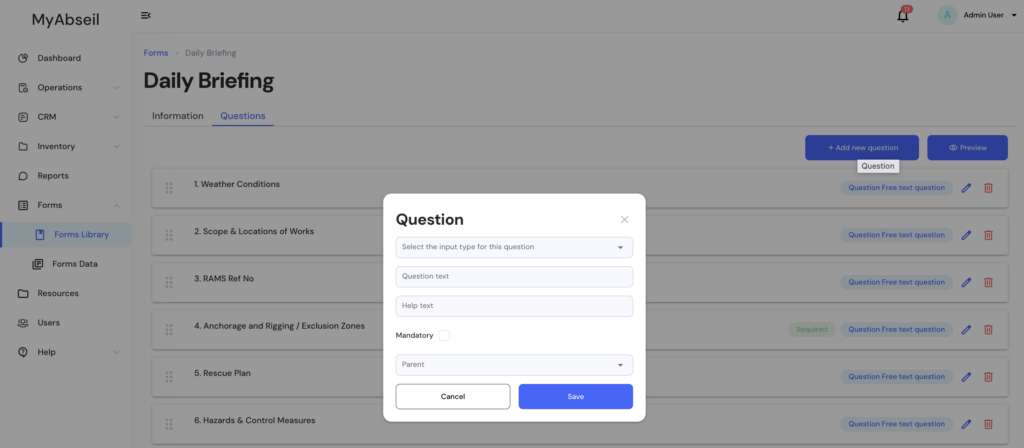
Now you will proceed to the menu where you add the required questions for your new form
Press +Add New Question, and select the Question Type / Question Text / Help text / Mandatory to be filled in / Parent (meaning the under which header / section you want the question to show)
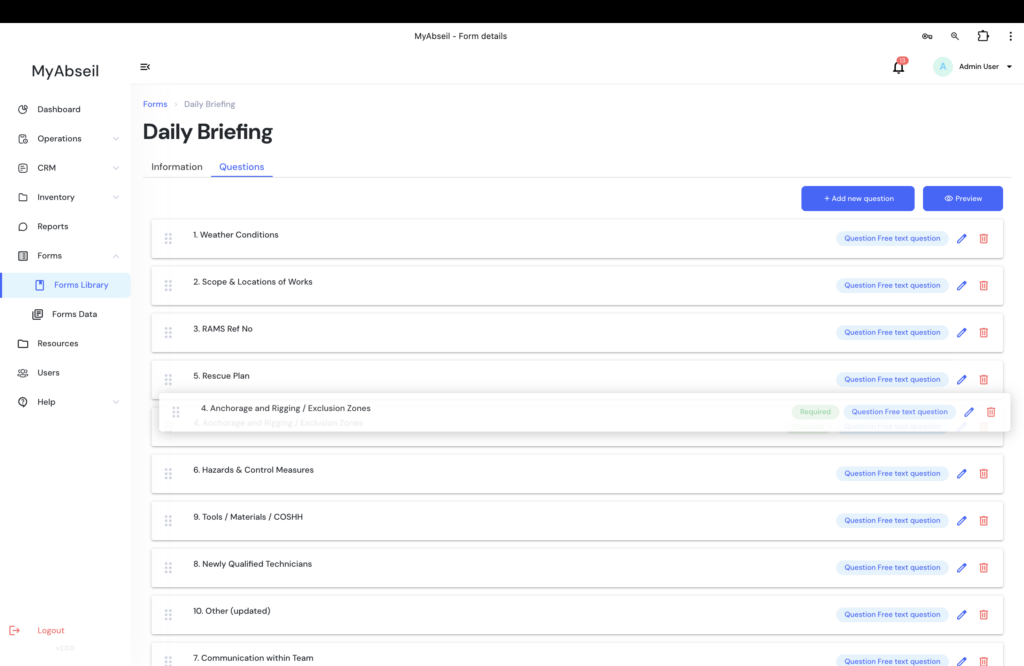
You can rearrange the questions order with drag and drop