
Inside the Forms Data section, there are three main tabs used to access different types of submissions.
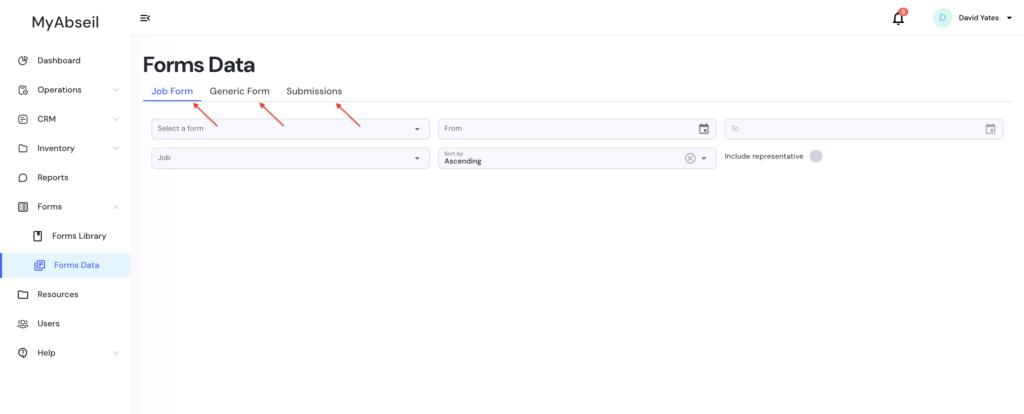
Job Form
This tab displays forms that are linked to a specific job.
Typical examples include:
- Daily Briefings
- Job Safety Analysis
- Site-specific forms completed during a project
- Job Pack
These forms are usually filled out by operatives on daily basis while assigned to a job.
Generic Form
This tab shows forms that are not linked to a specific job.
Examples include:
- Incident Reports
- Induction Forms
- Competence Assessments
- Medical Declarations
- Training Records
Submissions
The Submissions tab displays a list of all submitted Generic Forms.
This section allows administrators to:
- Review all completed generic forms
- Filter submissions by multiple criteria (job, operative, etc.)
- Sort submissions by date or other parameters