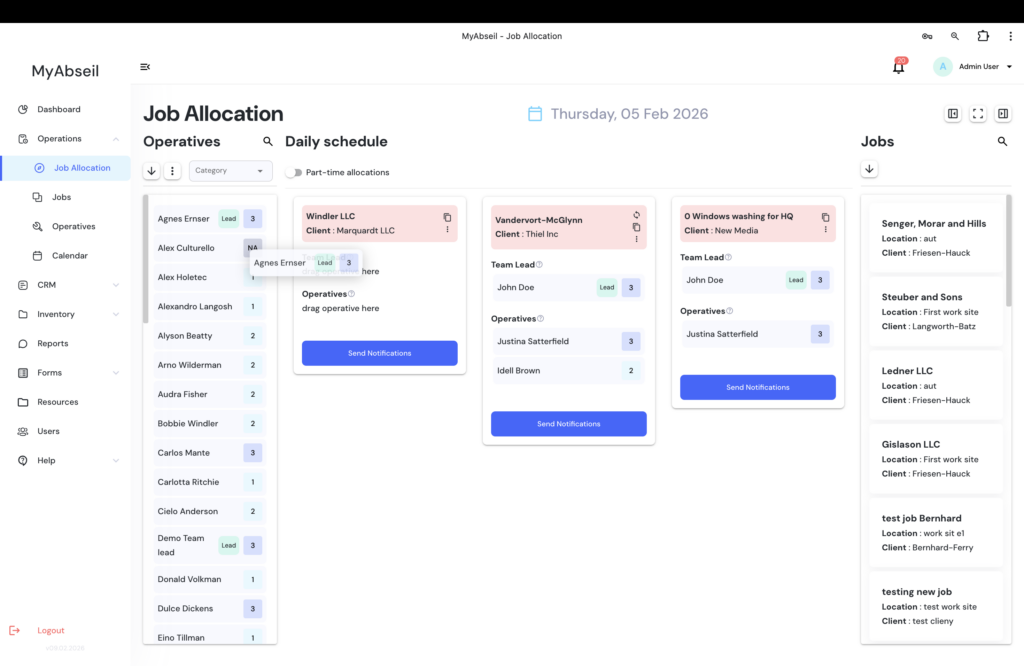
Once a job is created and your required operatives added in the system, you can proceed to the ‘Operations’ menu, ‘Job Allocation’ submenu.
Here you will have the following screen:
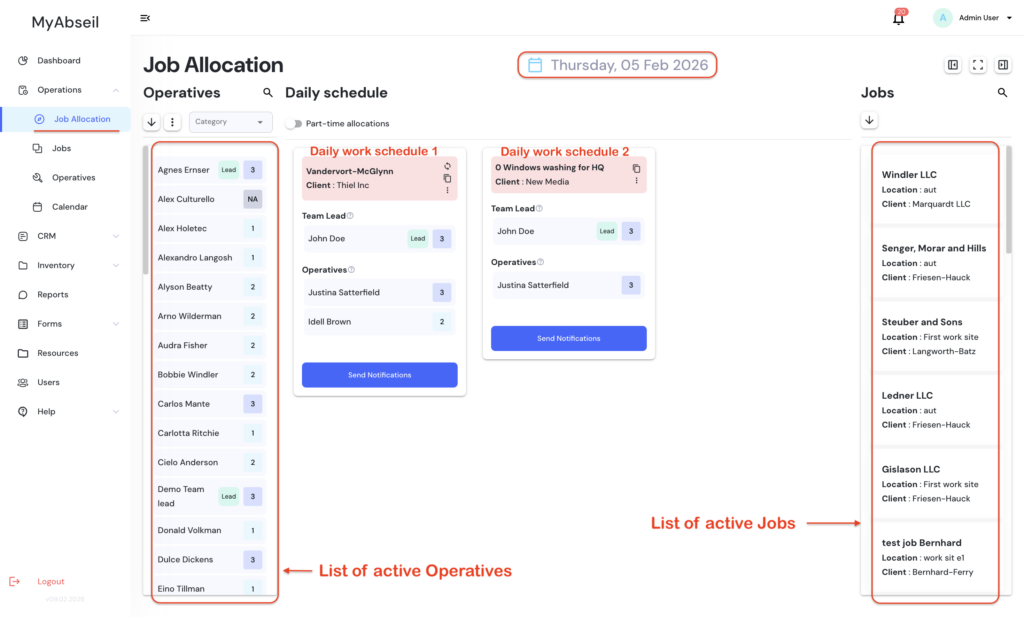
Now, simply select the date, and Drag and Drop the Job you want to schedule in the middle white board
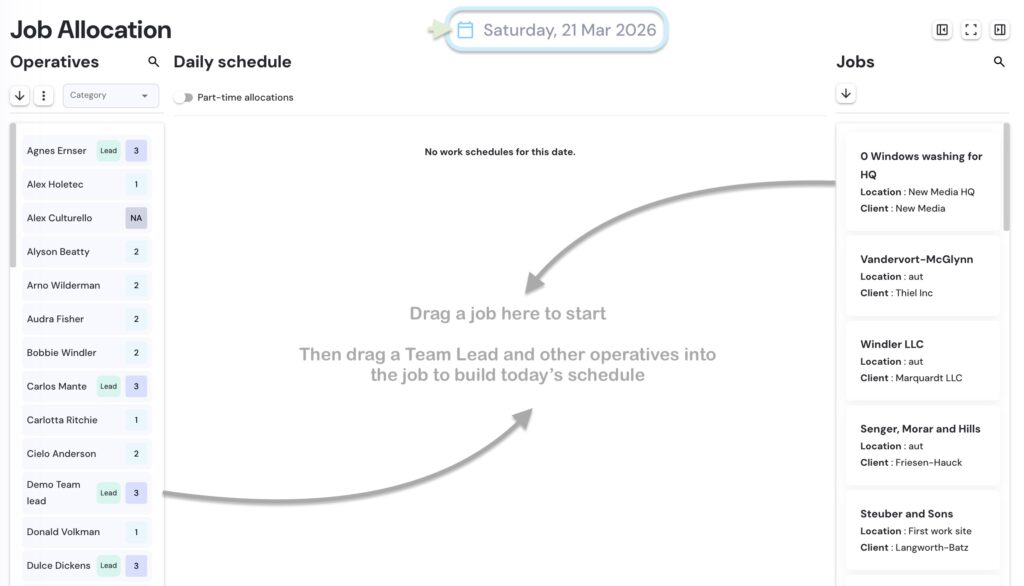
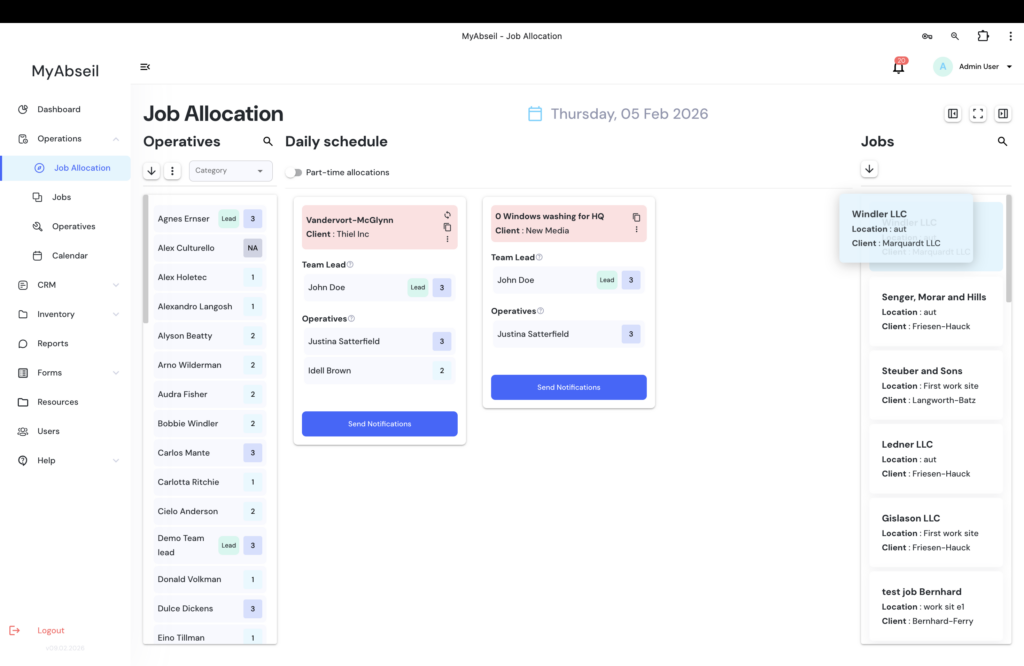
And then, drag and drop the required Lead operative and the other operatives into the job