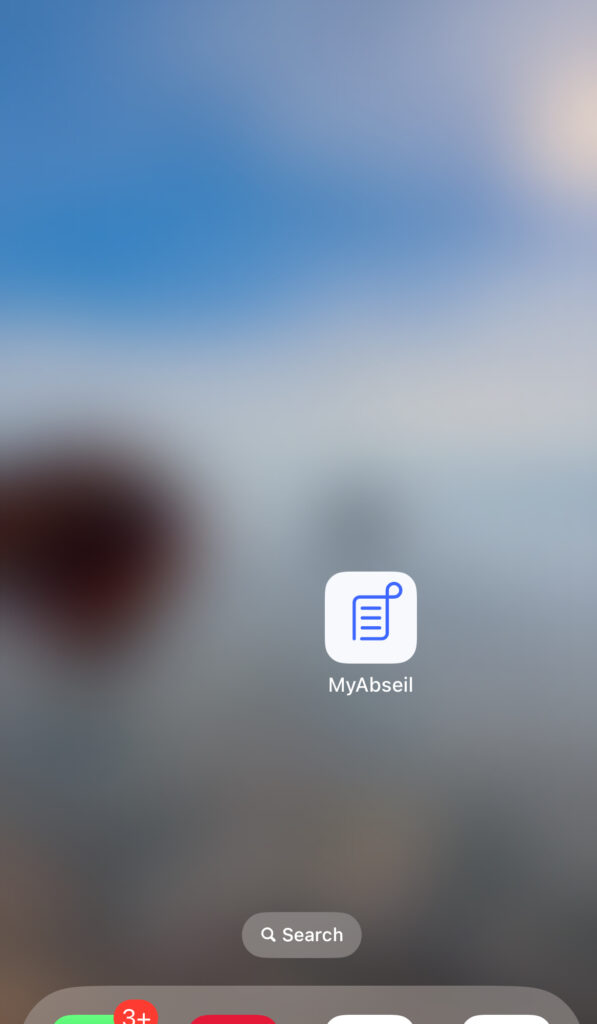
MyAbseil can be installed directly on your phone, so you can open it from your home screen like a regular app.
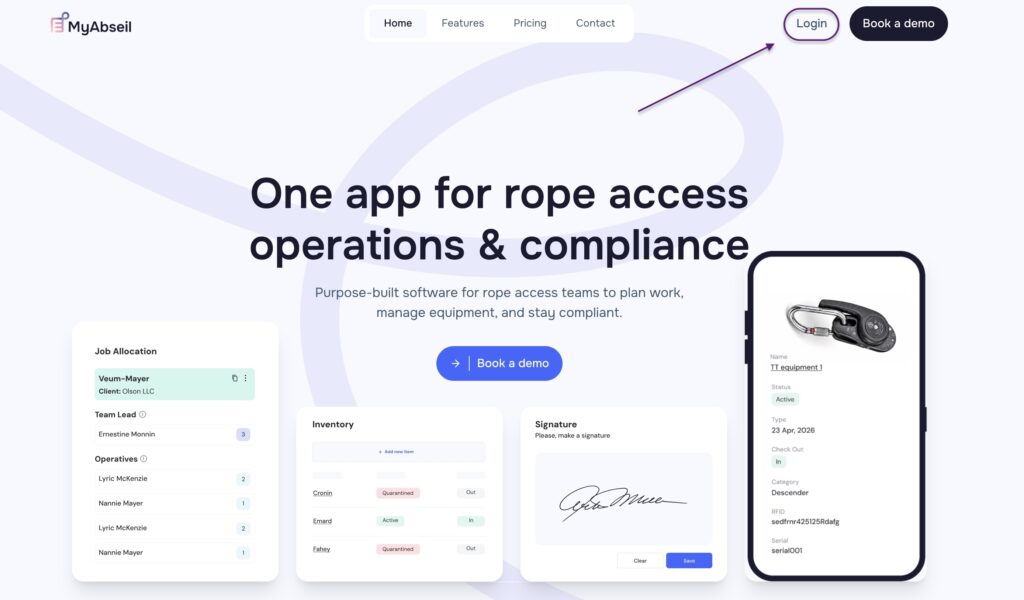
To login into your account you can go directly to: https://app.myabseil.com or via our website myabseil.com and tap the Login button
Installing on Android
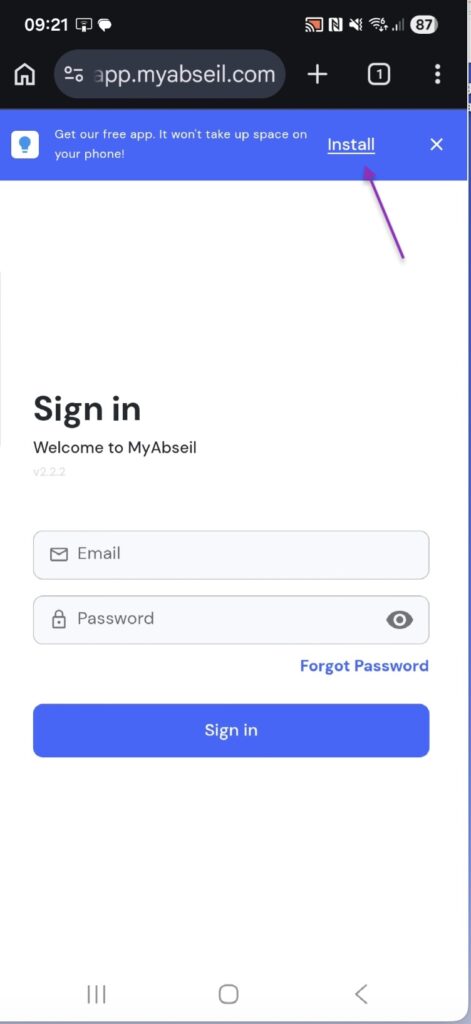
If you are using an Android phone, you may see an Install prompt when you open the app.
Tap Install to add MyAbseil to your device.
Once installed, the MyAbseil app icon will appear on your home screen or in your app list.
Installing on iPhone
To add MyAbseil to your iPhone home screen:
- Open Safari on your iPhone.
- Go to https://app.myabseil.com
- Tap the Share button at the bottom of the screen.
It looks like a square with an arrow pointing up. - Scroll down and tap Add to Home Screen.
- Tap Add.
The MyAbseil app icon will now appear on your home screen.
Opening the App
After installation, simply tap the MyAbseil icon on your phone to open the app.